
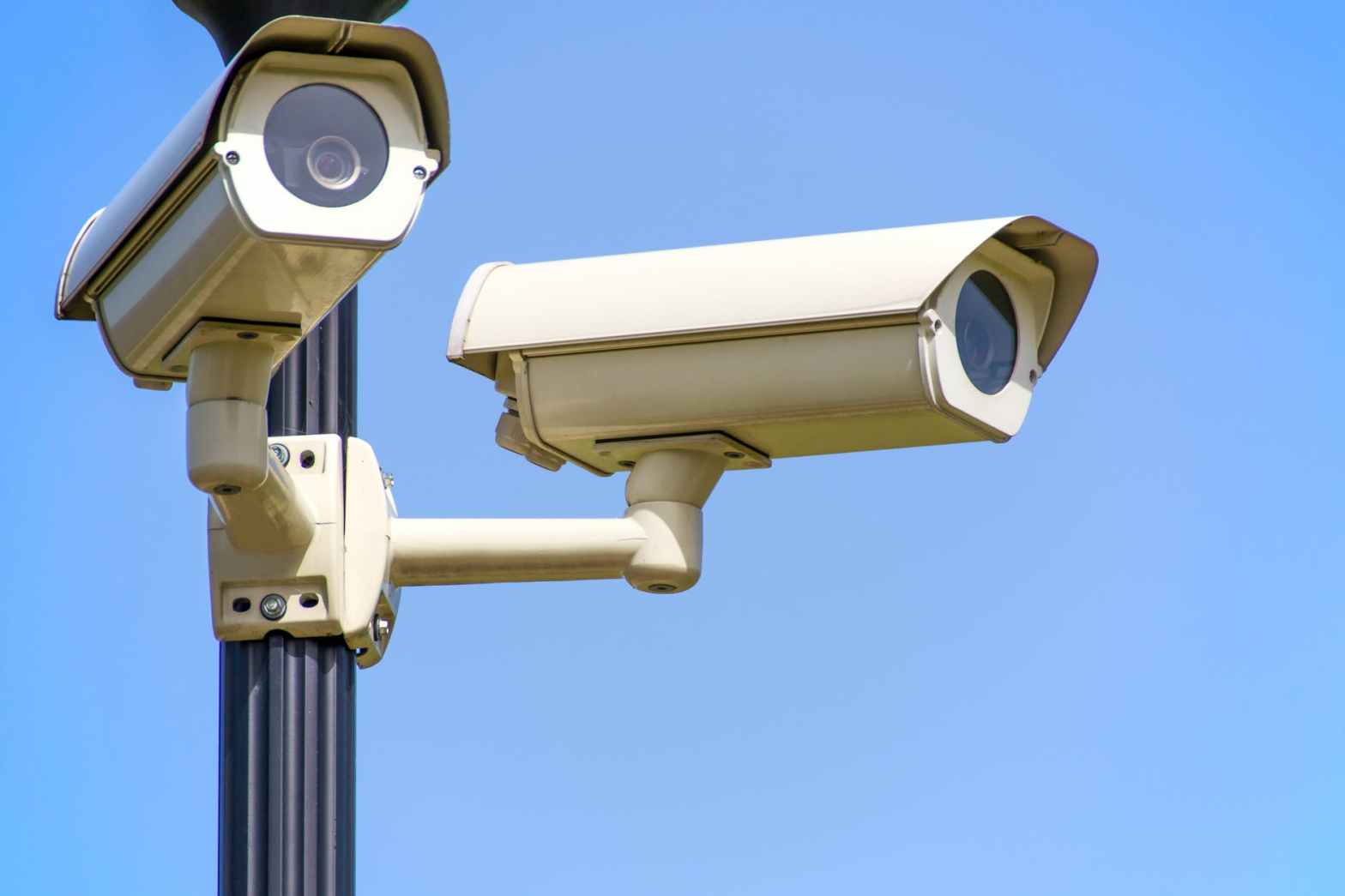
Let’s go over the basics real quick about what security cameras are for, the basic types of security cameras, and whether you need some.
What are security cameras for?
Quite a lot, actually! Even though cameras are often limited in many ways, they can still be a useful tool in your home security toolkit, depending on what you’re looking for. Here’s what they can help with.
Deterrence
Many casual burglars and package thieves will see a camera and just walk away; they don’t want to be watched. Plus, visible cameras may indicate that the homeowner has put other less-visible security measures in place. Why bother robbing the house with all the cameras when there are dozens of other houses nearby?
However, they’re usually not much of a deterrent to an experienced thief, who knows that they can generally just cover up with a mask and hoodie, face away from the cameras, or even just destroy/steal them. And even if you are able to get a decent shot of their face or a description, burglars know that police often can’t or won’t do anything about it anyway.
Activity notifications
By detecting motion and connecting to the Internet, cameras can notify you if someone is at the door, in your yard, or in your house. Some cameras even have special AI that lets them detect package deliveries, vehicles, or people, and a select few even purport to be able to tell strangers apart from residents.
Unfortunately, notifications are often imperfect; the technology just isn’t that good. Many cameras have problems with false positives (like notifying you whenever a bug flies in front of the camera, or when the trees blow in the wind) and false negatives (like failing to notify you when someone is actually prowling through your yard). More expensive cameras often do better, but even the best aren’t perfect, and you will likely get so tired of bogus notifications that you will just turn them off, defeating the purpose entirely.
Checking in when you’re away
You can use cameras to check in on your pets, make sure your kids got home from school, see if any packages got delivered, or just make sure that your house hasn’t burned to the ground while you’re on vacation. Cameras are actually quite effective in this case; they can provide peace of mind when you really want to know what’s happening at your house when you’re not there.
Safety during a break-in
If your alarm goes off or you hear glass shattering in the middle of the night, do you really want to grab a baseball bat and investigate the issue in person? Probably not. If you have cameras, you can skip all of that and just check your camera feeds on your phone to see what happened and whether there’s an armed invader standing in your living room. That’s always a good thing to know. Instead of confronting a burglar in your underwear, you can call the police and then climb out the window or try to barricade yourself in your room (for more tips on what to do during a break-in, see TODO LINK).
After a break-in
If a break-in occurs, you might want to have footage of the perpetrators and/or their vehicle to hand to the police (though again, they often can’t/won’t do anything about it) or your insurance company. Seeing what was stolen might help you remember what you need to replace, and seeing how your house was broken into might help you improve your security for the future. And finally, if the worst happens and you actually get into a fight with an intruder, you could potentially use the footage to help prove that your actions were in self-defense.
What kinds of cameras are there?
The world of cameras is quite varied, with options available for every niche. There are cameras for indoor use that can toggle off when you’re home, and outdoor cameras that are hardened against the elements. Most can stream to your phone and record events to be viewed later. Budget cameras can be had for $30 or less, while fancier models can cost hundreds. And the more you spend, the more features you often get, such as:
- Higher resolution/quality
- Night vision
- Wide-area and high-zoom lenses
- Cloud recording (i.e. videos are stored remotely)
- Advanced AI for notifications
- Facial recognition
- License plate recognition
- Alarm system integration
- Smart home integration
Some cameras can even be attached to flying drones that patrol your home when you’re away! But perhaps the biggest determining factor for the type of camera you get is how much installation you can and are willing to do.
Connection types
The most reliable cameras are often wired via PoE (Power over Ethernet), which means that both the camera feed and the power for it are sent over the same cable. This is more convenient than having separate power and data cables, but all the Ethernet cables need to have a special adapter on the router end to send the extra power. The main benefits of such cameras are that you never need to replace any batteries, and the connection is always rock-solid (unlike wifi, which can be spotty sometimes). But of course, running Ethernet cables everywhere isn’t always easy, and may not be possible if you’re renting.
An easier option is wifi cameras. These don’t need a data cable, so they can be installed anywhere you already have a power outlet (or doorbell, in the case of doorbell cameras). Of course, as mentioned earlier, wifi cameras may be less reliable because wifi connections are often spotty, especially if your cameras are near the edges of your property where you otherwise wouldn’t care about poor reception. And the video quality is often worse too, because the feed has to be compressed more in order to send it over wifi (which usually has lower bandwidth than wired connections).
You can also get battery- or solar-powered wifi cameras, and these can be installed almost anywhere, for ultimate flexibility. Unfortunately, these often have the drawback of not being able to record 24/7 due to power constraints; usually they have a separate low-power infrared motion sensor on the front, and only record when that goes off (usually just for 30 seconds or so). This means that by the time the camera actually turns on, you might miss important parts of an event, or even the whole thing. Worse yet, the infrared sensor might not detect enough motion to turn the camera on at all; those infrared sensors aren’t very advanced and aren’t always smart enough to know when there’s something worth recording. And yet another downside is that you have to replace or recharge the batteries all the time! What a hassle. And even solar-powered ones can have issues with getting enough charge in winter, or if they’re placed in a shadier spot. So for all of these downsides, I really wouldn’t recommend these types of cameras unless you have no other option.
In summary:
- PoE wired cameras are the best. If you are willing and able to install them, do it!
- Wifi cameras with wired power cables are a good option too.
- Avoid battery-powered or solar-powered cameras if you can help it. They’re annoying to deal with and just not very reliable.
Doorbell cameras
These get a special section because they are so unique. For those not in the know, a doorbell camera usually replaces your doorbell (getting power from the original doorbell wiring), and connects to the internet via wifi. They generally have:
- A doorbell button, which can set off a chime in your house via a secondary device, as well as notify you on your phone
- A camera with a wide-angle lens so you can see everything/everyone on your porch
- A microphone and speaker so that you can talk with the person at the door via your phone
Doorbell cameras are often considered ideal cameras for a front porch because the notifications work so well. Regular cameras have to deal with false positives and negatives from motion detection, but doorbell cameras don’t have any of those because they only notify you when someone presses the doorbell button. Though some doorbell cameras can also act as regular cameras too, recording whenever there is motion in front of them, or even recording 24/7.
Conclusion
As you can see, the world of cameras is quite complicated. But don’t get discouraged! You can always just start by getting a cheap camera or two and messing around with them. Over time, you’ll learn about what features are important to you and what details actually matter. Once you start to get an idea of what you’re doing, you can just keep improving upon your system until you finally get to where you want to be—it’s all part of the process!
In the next article, we’ll talk about how to decide on a camera, and also talk about some specific cameras to consider trying out so that you can get some hands-on experience.
 The Readyist
2 thoughts on “Security Cameras 101: Where to start”